Gaming PC buying guide

Which gaming PC should you buy?

Answer three quick questions and we will point you to the right system, with live prices and specs. No jargon needed.

  • 3-year hardware and labour warranty on every system
  • Built, tested and supported by our team in Tauranga
  • Delivered New Zealand wide
Or skip to the four tiers and our picks

The range in one minute

Four tiers. Pick yours, then pick a system.

Every gaming PC we sell sits in one of four tiers, set by how hard it can push your games. Match the tier to your monitor and what you play, then choose a system inside it.

BRONZE: Smooth 1080p

Entry-level and casual gaming. The lowest price that still plays everything, with settings turned down on the most demanding new releases.

Price range
$2,095 to $2,995
Graphics
RTX 5050 8GBRTX 5060 8GBRTX 5060Ti 8GBRX 9060 XT 16GB
Choose Bronze if
  • You play on a 1080p monitor
  • You mostly play esports and popular online games such as Fortnite, Valorant, Minecraft or Roblox
  • It is a first gaming PC, or a gift, and you want to keep the price down
Look higher if

Step up to Silver if you want big new releases on high settings at 1440p, or more headroom for the years ahead.

See all 8 Bronze systems

Our picks in Bronze

Best value at 1080p

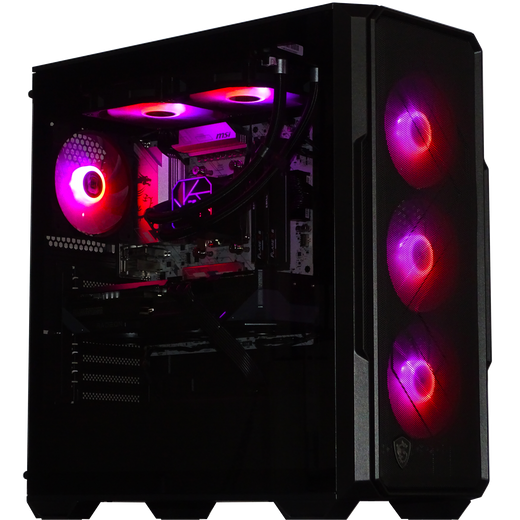
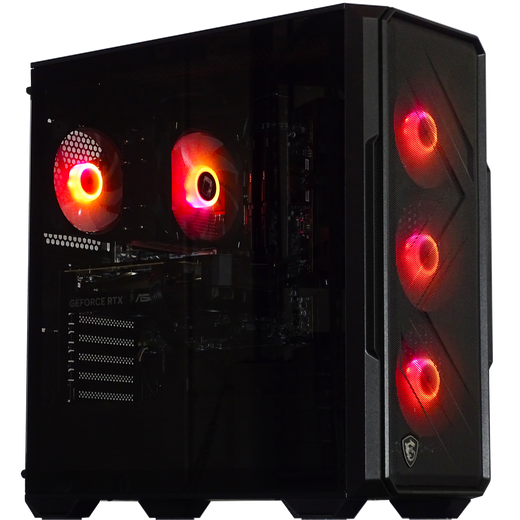
TORRENT

Our value pick for 1080p gaming on higher settings.

Graphics
RTX 5060Ti 8GB
Processor
Ryzen 7 5700X
Memory
32GB DDR4 RAM
Storage
1TB NVMe SSD

From$2,495$2,595 Save $100

Guide code BUILDGUIDE1 takes $30 off at checkout$2,465 with the code

View TORRENT
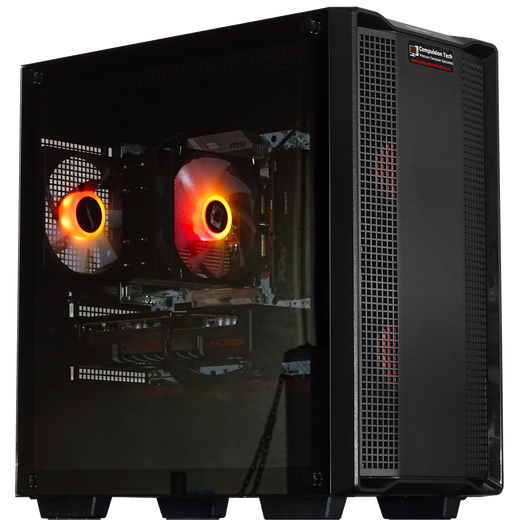
Popular first PC

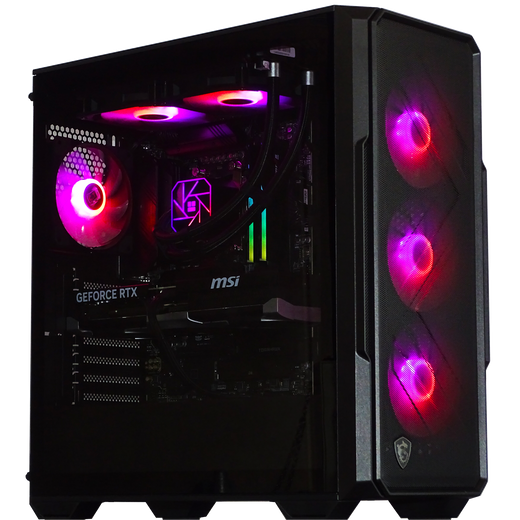
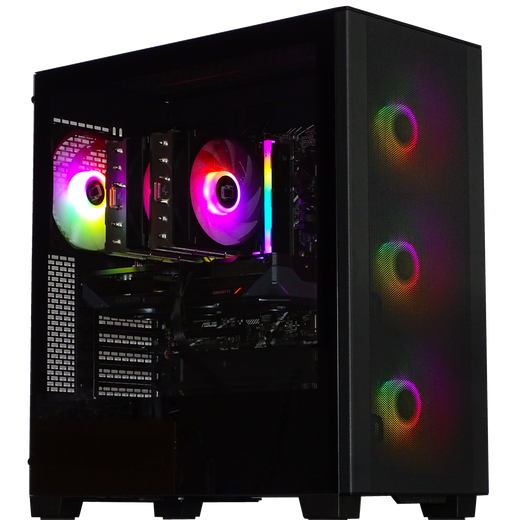
NINJA

A well-balanced first gaming PC for Fortnite, Valorant and other popular games, with room to grow.

Graphics
RTX 5060 8GB
Processor
Intel i5 14400F
Memory
16GB DDR5 RAM
Storage
1TB NVMe SSD

From$2,295$2,395 Save $100

Guide code BUILDGUIDE1 takes $30 off at checkout$2,265 with the code

View NINJA

Strongest graphics in Bronze

TITAN

Bronze pricing with a head start on 1440p. The one to choose if a monitor upgrade is on the cards.

Graphics
RX 9060 XT 16GB
Processor
Ryzen 5 7500F
Memory
16GB DDR5 RAM
Storage
1TB NVMe SSD

From$2,595$2,695 Save $100

Guide code BUILDGUIDE1 takes $30 off at checkout$2,565 with the code

View TITAN

Specs without the jargon

What the parts mean, and how much you need

Four parts decide how a gaming PC performs. They are listed here in the order they matter for games, so you know where your money should go.

Matters most for games

Graphics card (GPU)

Draws every frame you see. It decides how good a game looks and how smoothly it runs, so in a gaming PC it is where most of the budget should go. Match it to your monitor.

  • 1080p monitorRTX 5050, RTX 5060 or RTX 5060 Ti. Our Bronze tier.
  • 1440p monitorRTX 5060 Ti 16GB, RX 9060 XT 16GB, RTX 5070 or RX 9070 XT. Our Silver tier.
  • 1440p ultra, or 4KRTX 5070 Ti or RTX 5080. Our Gold tier.
  • 4K, nothing turned downRTX 5090. Our Platinum tier.

Check the GB number. That is video memory. 8GB is fine at 1080p. For 1440p and above, look for 12GB or 16GB so new games have room to load their textures.

Second for games, first for work

Processor (CPU)

Runs the game's logic and everything else on the PC. For gaming, a mid-range processor with a stronger graphics card nearly always beats the reverse. More cores help when you stream, edit or keep a lot open.

  • Ryzen 5 or Core Ultra 5Plenty for gaming at 1080p and 1440p.
  • Ryzen 7 or Core Ultra 7Gaming plus streaming, editing and heavy multitasking.
  • Ryzen X3D chipsTuned for games. The pick for high refresh rate competitive play and sims.
  • Ryzen 9Top-end gaming and serious creative work on one machine.

AMD or Intel? Both are excellent and we build with both. Choose the system that fits your games and budget, not the badge.

Get enough, then stop

Memory (RAM)

The PC's short-term workspace. Too little and games stutter when a browser or Discord is open as well. Past the amount you need, more RAM does not make games faster.

  • 16GBEnough for gaming on its own. Found in our lower-priced Bronze systems.
  • 32GBWhat we recommend for most people. Comfortable for new releases with other apps open.
  • 64GB or moreStreaming and editing together, heavily modded sims, and professional work.

DDR5 is the current standard. A few of our lowest-priced systems use DDR4 to keep the price down. The type is listed on every product page.

How many games you can keep installed

Storage (SSD)

Where Windows, your games and your files live. Every system in our range uses a fast NVMe SSD, so the PC starts in seconds and games load quickly. The only real question is how much space you want.

  • 1TBWindows plus a healthy handful of big games. The minimum across our range.
  • 2TBA large library installed at once, without deleting games to make room.
  • 4TB, or an added driveCreators, recorded footage and very large collections.

What about a hard drive (HDD)? Much slower, but cheap space for photos, video and backups. Some systems offer one as an optional extra.

The parts people forget to check

Power supplyA poor one puts every other part at risk. Ours are branded, 80+ efficiency rated units sized for the system.
CoolingKeeps the PC quiet and fast under load. Each build gets a tower or liquid cooler matched to its processor.
WiFi and BluetoothBuilt in on every system, so there is nothing extra to buy if you cannot run a network cable.
WindowsWindows 11 comes installed and activated. Plug in, sign in and start downloading your games.

Finish the setup

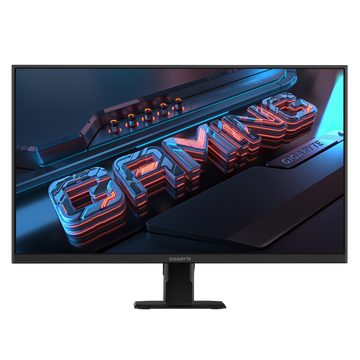
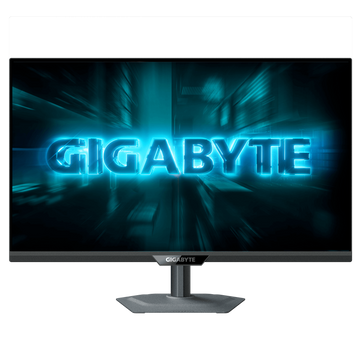
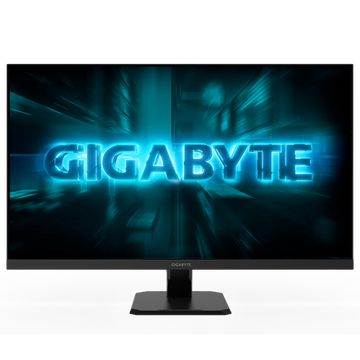
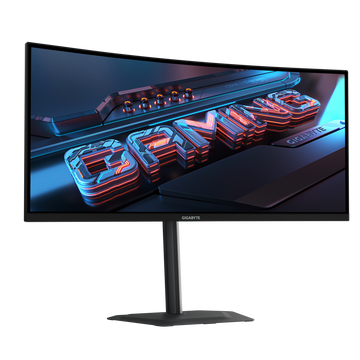
Choose a monitor that matches your PC

A gaming PC can only show what the monitor can display. Too little monitor and you waste the PC. Too much and the PC cannot keep up. Here is how to match them.

The right monitor for each tier

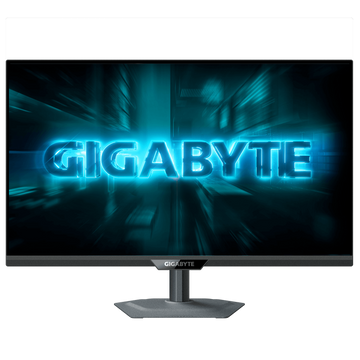
  • Bronze PCA 1080p monitor, 144Hz or faster. For esports, or a Bronze system with a 16GB graphics card, a 1440p screen also works well.
  • Silver PCA 1440p monitor, 144Hz or faster. For esports only, a fast 1080p screen also works well.
  • Gold PCA high refresh rate 1440p monitor, an ultrawide, or 4K.
  • Platinum PCA 4K monitor, or a high-end ultrawide.
ResolutionHow sharp the picture is: 1080p, then 1440p, then 4K. Higher looks better but needs a stronger graphics card to run smoothly.
Refresh rate (Hz)How many frames the screen shows each second. 144Hz and above feels far smoother than a 60Hz office screen, most of all in fast online games.
Size24 to 27 inches suits most desks. 32 inches and ultrawides fill more of your view, and look best at 1440p or 4K.
Panel typeIPS gives the best colour and viewing angles. VA has deeper contrast and is common on curved screens.

Why buy from Compulsion Tech

Spending thousands on a PC? Check the warranty first.

Specs are easy to compare. What happens when something fails, and what is really inside the case, is where builders differ.

Year warrantyHardware and labour, on every system

Prompt replacementsIn most cases we replace a faulty part quickly. You are not usually left waiting weeks or months while it is sent away to a service centre.

Quality parts onlyProven brands throughout. No unknown or unproven components swapped in to cut costs.

Read our warranty

Comparing us with another builder?

Look past the headline CPU and graphics card. These are the places corners get cut.

Warranty 3 years, hardware and labourOn every system we sell Often only 1 or 2 years
If it fails Prompt replacement in most casesSorted directly with us Parts sent away to a service centre for weeks or months
RAM High-capacity memoryCheck the size and the type, DDR4 or DDR5 Smaller kits or older DDR4 to hit a price
SSD Fast NVMe storageMinimum 1TB NVMe Gen 4 across our range 500GB drives, slow SATA SSDs, or older Gen 2 and Gen 3 NVMe
Parts Proven, quality brandsFull parts list on every product page Unknown or unproven brands used to cut costs

A general guide to what we see across the NZ market. Always compare the full spec list before you buy.

Before you buy

Common questions

The things people ask us most before choosing a gaming PC.

I still cannot decide between two systems. What should I do?

Compare the graphics card first, because it makes the biggest difference in games. If they match, compare the processor, then memory and storage. If the gap in price is small, the stronger graphics card is nearly always the better buy.

Or skip the homework: send us a message with what you play, your monitor and your budget, and we will tell you which one we would choose.

Does the PC come with a monitor, keyboard and mouse?

A gaming PC is the tower on its own. To use it you also need a monitor, keyboard, mouse and a headset or speakers. If you already have these from an older PC, they will work.

Need them? Our monitor guide above matches a screen to your PC, and you can browse our gaming monitors, keyboards, mice and headsets. Some systems also include a bonus peripheral offer, shown on the product page.

Is it ready to use out of the box?

Yes. Each system is assembled and tested by us, with Windows 11 installed and activated, and WiFi and Bluetooth built in. Plug it in, connect to the internet, sign in and download your games. Our quick start guide walks you through the first setup.

Can I change the parts in a system I like?

Often, yes. Several systems have upgrade options you can choose on the product page, such as a stronger graphics card, more memory or extra storage. For anything else, request a custom build and we will quote a system built around what you want.

Can I upgrade it later?

Yes. We build with standard, off-the-shelf parts from proven brands, not proprietary ones, so memory, storage and the graphics card can be upgraded down the track. If you would like us to do an upgrade for you, or want to check what your system will take, ask us.

What warranty do I get?

Every Compulsion Tech system comes with a 3-year warranty covering hardware and labour. If something goes wrong, you deal directly with us. The full terms are on our warranty page.

How long does delivery take, and what does it cost?

We aim to dispatch within 2 working days, depending on order volumes at the time. Once dispatched, North Island deliveries typically arrive in 1 to 3 working days and South Island deliveries in 2 to 5 working days. Freight is well packaged, insured and tracked.

Use the code FREESHIP at checkout for free delivery on our computer range, New Zealand wide. It can be used together with a guide code. You can also arrange to pick up from us in Tauranga.

How do the guide discount codes work?

Each of our picks in this guide carries a guide code. The code and the price after it are shown on that system's card above. Enter the code at checkout and the discount comes off that system. Each code only works on the systems it is shown against.

Can I pay it off, or trade in my old PC?

Yes to both. We work with several finance providers, set out on our payment options page. You can also put the value of your current PC towards a new one: start with a trade-in estimate.

Is a prebuilt PC better than building my own?

Building your own is a great hobby if you enjoy it. A prebuilt gets you one warranty covering the whole system instead of a different one for every part, a machine that has been assembled and tested before it reaches you, and one team to call if anything plays up. For most people that is worth more than the time spent building and troubleshooting.

Still not sure? Ask us.

Tell us what you play, the monitor you use and your budget, and we will recommend a system. No pressure and no jargon.